

In the fast-evolving landscape of software development, artificial intelligence (AI) has emerged as a game-changer. By 2026, AI coding tools are no longer just assistants; they are integral partners in the coding process, significantly reducing the time developers spend on mundane tasks. The days of manually writing boilerplate code or endlessly searching for documentation are fading away, thanks to these innovative solutions. In this article, we will explore the top 10 AI coding tools that developers are leveraging to streamline their workflows and enhance productivity.
Top 10 AI Coding Tools
According to a recent survey by JetBrains, 90% of developers regularly use at least one AI tool for coding tasks, and 74% have adopted specialized AI coding tools designed specifically for development purposes. The market has matured, and developers are increasingly discerning about which tools to incorporate into their workflows.
In this article, we will examine ten of the most effective AI coding tools available in 2026. These tools not only save time but also enhance the overall quality of code, allowing developers to focus on more complex tasks. We will discuss their unique features, pricing, and the specific use cases they best serve.
1. Cursor ($20/month) — The AI-Native IDE Powerhouse
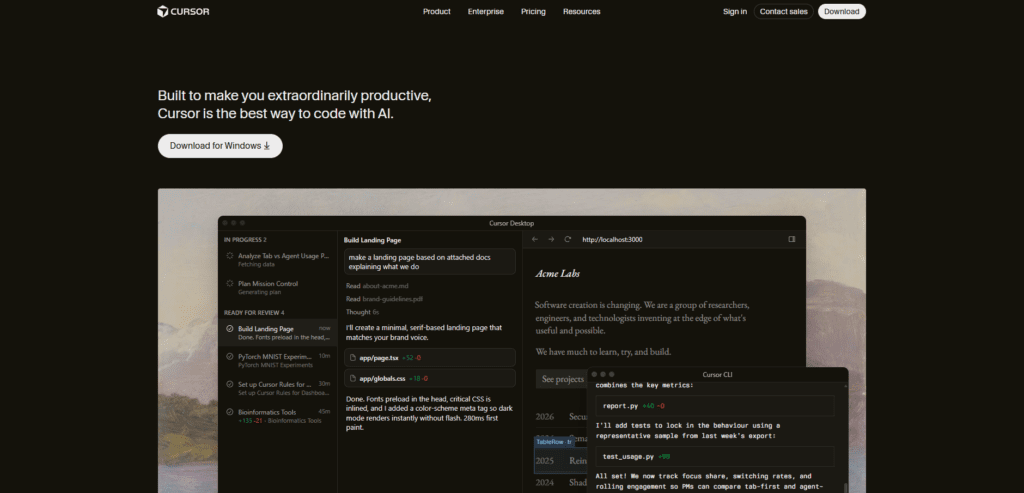
Cursor is an AI-native integrated development environment where artificial intelligence is deeply embedded into the coding workflow as the primary interaction layer. It interprets developer intent from natural language and code context to generate, edit, and refactor code across entire projects. Unlike traditional IDEs, it enables multi-file operations, contextual reasoning, and seamless collaboration between human input and machine-generated logic.
Key Features:
- Supermaven Autocomplete: Cursor’s autocomplete feature boasts an impressive 72% acceptance rate on code completions, as it intuitively understands the intent behind developers’ keystrokes.
- Composer Functionality: This feature allows developers to execute complex commands, such as refactoring multiple files, with a single instruction.
- Model Agnosticism: Users can switch between different AI models like Claude, GPT, or Gemini based on their specific coding needs.
Who It’s For: Cursor is ideal for startups and modern engineering teams seeking to accelerate their deployment velocity and enhance collaboration across projects.
2. GitHub Copilot ($10/month) — The Enterprise Standard
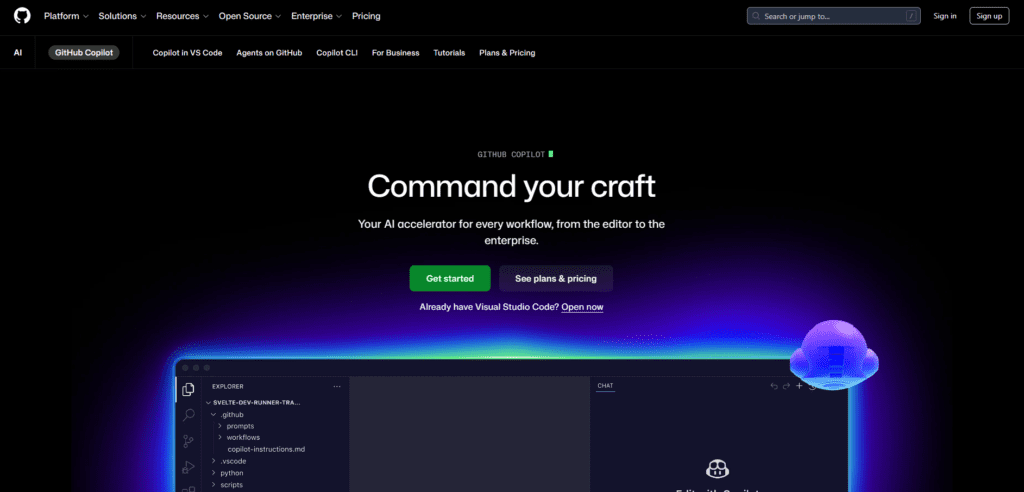
GitHub Copilot is an AI-powered development assistant integrated into code editors and the GitHub ecosystem, designed to provide real-time, context-aware code suggestions. It leverages information from the current file, project structure, and version-controlled workflows to assist in writing, reviewing, and maintaining code. It enhances productivity by embedding intelligent automation directly into established software development pipelines and collaborative environments.
Key Features:
- Workspace Agents: Copilot’s new features allow it to pull context from the entire workspace, enabling it to address GitHub Issues and generate pull requests efficiently.
- Robust Integration: Copilot is deeply embedded in GitHub’s CI/CD pipelines, providing a seamless experience for developers already using GitHub for their projects.
Who It’s For: GitHub Copilot is best suited for enterprise teams that prioritize security and compliance while maintaining deep integration with existing tools.
3. Claude Code (~$50-200/month) — The Terminal-Based Refactoring Expert
Claude Code is a terminal-based autonomous AI coding agent that performs complex software engineering tasks through iterative reasoning and execution cycles. It analyzes codebases, executes commands, interprets outputs such as logs or errors, and refines its actions accordingly. This agentic approach enables it to handle advanced operations like large-scale refactoring, debugging, and system migrations with minimal continuous human intervention.
Key Features:
- Deep Agentic Loops: Claude Code excels at handling intricate refactoring projects, such as migrating applications between versions, autonomously fixing errors during the process.
- Comprehensive Error Handling: Its ability to analyze terminal logs and self-correct mistakes makes it a powerful tool for senior engineers.
Who It’s For: Claude Code is tailored for staff and senior engineers engaged in significant architectural migrations and technical debt cleanup.
4. Windsurf ($15/month) — The Real-Time Context Engine

Windsurf is a real-time, context-aware AI development system that continuously monitors developer actions and code changes to maintain an up-to-date understanding of the working environment. It provides dynamic assistance by synthesizing information across files, functions, and workflows. This persistent awareness allows it to deliver highly relevant suggestions, automate repetitive tasks, and function as an interactive collaborator throughout the development process.
Key Features:
- Cascade Mode: This feature allows Windsurf to maintain a continuous understanding of developer actions, making it feel like a collaborative partner rather than a static tool.
- Dynamic Interactivity: Windsurf synthesizes actions across files and contexts, enabling seamless navigation and error resolution.
Who It’s For: Full-stack web developers working with intertwined frontend and backend logic will find Windsurf particularly beneficial.
5. Augment Code ($30/month) — The Monorepo Specialist
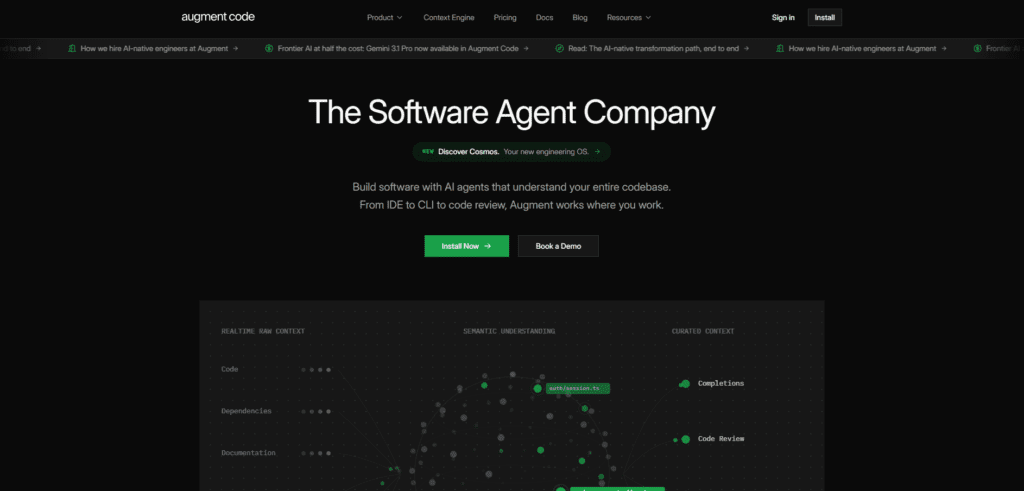
Augment Code is an AI-driven code intelligence platform designed for large-scale and complex repositories, particularly monorepos. It structures entire codebases into interconnected representations that can be efficiently queried and analyzed. Developers can explore dependencies, track changes, and understand legacy systems through natural-language queries, significantly reducing the cognitive load of navigating and maintaining extensive codebases.
Key Features:
- Codebase-Wide Understanding: Augment indexes entire codebases into a graph structure, allowing developers to query information about legacy code and its history.
- Slack Integration: This feature allows for easy communication and information retrieval directly from Slack, streamlining workflows.
Who It’s For: This tool is ideal for large enterprises, particularly those managing complex and interdependent codebases.
6. Cline (Free, Open Source) — The Hacker’s Choice
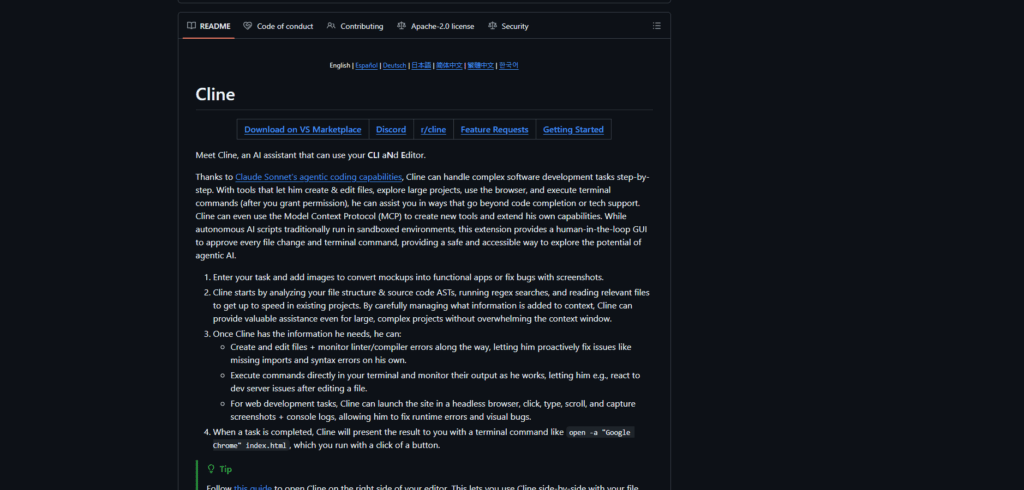
Cline is an open-source AI coding assistant framework that enables developers to integrate customizable AI capabilities into their development workflows. It provides flexibility to modify behavior, choose underlying models, and adapt functionality according to specific needs. By prioritizing transparency and community-driven development, it offers an alternative to proprietary tools while still supporting automated coding, debugging, and task execution.
Key Features:
- Community-Driven Development: As an open-source tool, Cline allows developers to contribute to its evolution and tailor it to their specific needs.
- Lightweight and Efficient: Cline focuses on essential coding tasks without the bloat of more extensive, subscription-based tools.
Who It’s For: Cline appeals to independent developers and small teams who prioritize flexibility and cost-effectiveness.
7. Tabnine ($12/month) — The Language-Specific Assistant
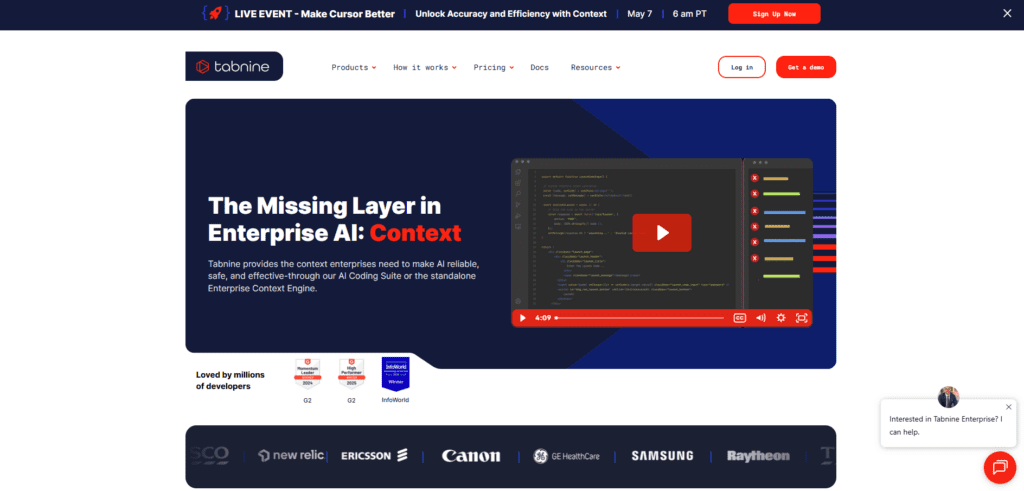
Tabnine is an AI-based code completion system that focuses on generating precise and contextually accurate programming suggestions tailored to specific languages. Its models are trained on curated datasets to ensure high-quality, syntactically correct outputs. It integrates with various development environments, helping developers write consistent, efficient code while reducing errors and improving adherence to language-specific conventions and best practices.
Key Features:
- Language-Specific Training: Tabnine’s models are trained on extensive codebases in various languages, ensuring high-quality code suggestions.
- Integration Across IDEs: The tool works seamlessly with multiple IDEs, making it accessible to a wide range of developers.
Who It’s For: Tabnine is perfect for developers who work with niche programming languages and require tailored support.
8. Amazon CodeWhisperer (Free for Individual Use) — The AWS Integrator
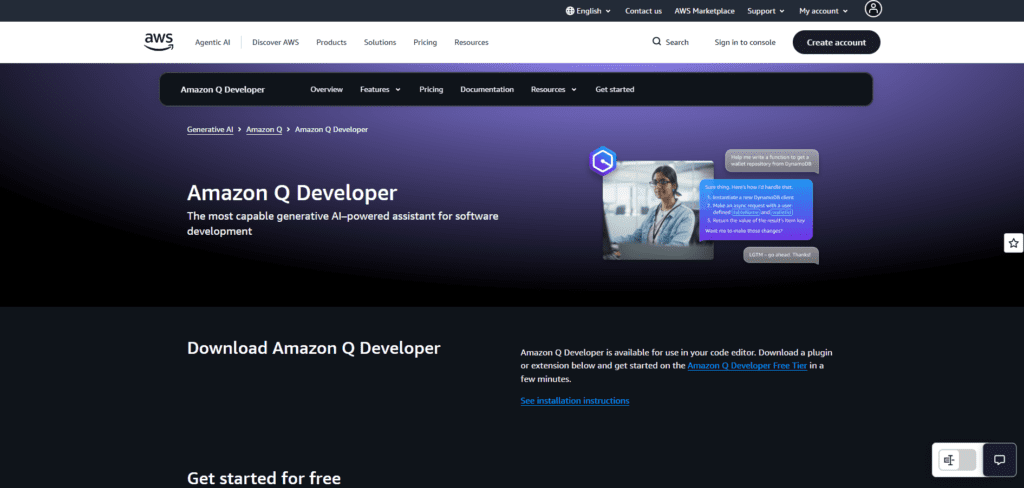
Amazon CodeWhisperer is a cloud-aware AI coding assistant that provides intelligent code recommendations optimized for applications built on Amazon Web Services. It understands cloud architectures, APIs, and best practices, enabling it to generate relevant and secure code snippets. By aligning code generation with cloud infrastructure requirements, it simplifies development, deployment, and maintenance of scalable cloud-based applications.
Key Features:
- AWS Context Integration: CodeWhisperer understands AWS services and can generate code snippets that work seamlessly with them.
- Real-Time Suggestions: It provides in-editor suggestions that help developers optimize their workflows while building applications on AWS.
Who It’s For: This tool is ideal for developers heavily invested in the AWS ecosystem and looking for a coding assistant that understands cloud services.
9. OpenAI Codex ($10/month) — The Versatile Coding Assistant
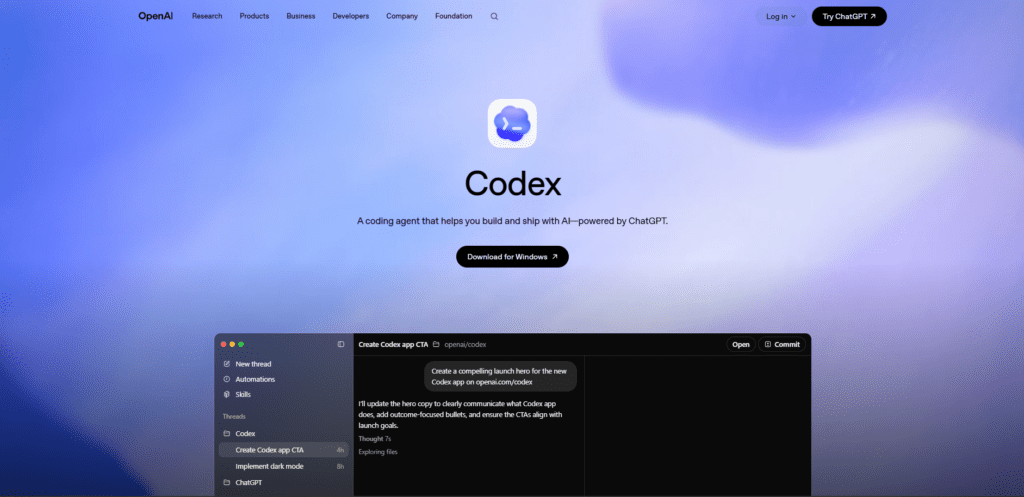
OpenAI Codex is a natural language–driven programming model that converts human instructions into executable code across multiple programming languages. It enables developers to interact with software development processes using plain language, lowering the barrier to coding. By bridging human intent and machine execution, it supports rapid prototyping, automation, and accessibility in both simple and complex programming tasks.
Key Features:
- Natural Language Processing: Codex allows developers to describe what they need in plain language, generating corresponding code automatically.
- Wide Language Support: It supports numerous programming languages, making it a flexible option for diverse coding tasks.
Who It’s For: Codex is suitable for developers who appreciate a natural language interface and want an easy way to generate code quickly.
10. Gemini Code Assist ($19–45/month, Free tier available) — The Google Ecosystem Integrator
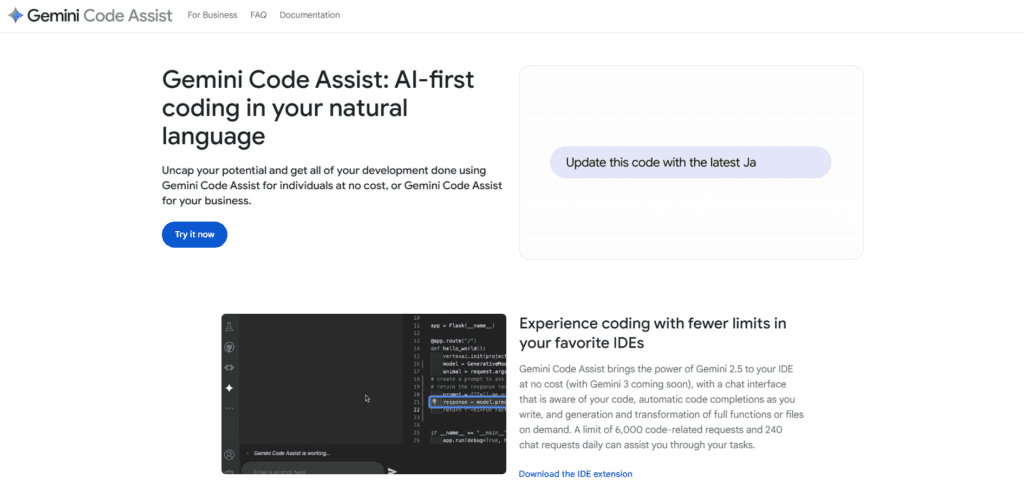
Gemini Code Assist is an AI-powered development assistant built by Google, designed to integrate seamlessly into modern development environments and cloud workflows. It leverages the Gemini family of models to provide context-aware code generation, debugging, and refactoring across entire projects. With deep integration into Google Cloud and support for large context windows, it enables developers to build, analyze, and optimize applications efficiently at scale.
Key Features:
- Deep IDE Integration: Works with VS Code, JetBrains IDEs, and cloud-based editors, providing real-time, context-aware suggestions.
- Full Project Context: Supports large context windows, allowing it to understand and reason across entire codebases.
- AI Agent Capabilities: Can generate, refactor, debug, and review code, including assistance with pull requests.
- Cloud-Native Optimization: Strong integration with Google Cloud services, enabling efficient development of scalable applications.
Who It’s For:
Gemini Code Assist is ideal for developers working within the Google Cloud ecosystem or teams seeking a powerful alternative to tools like GitHub Copilot with strong cloud and AI integration.